AI and Chatbots for Videographers: 2026 Guide
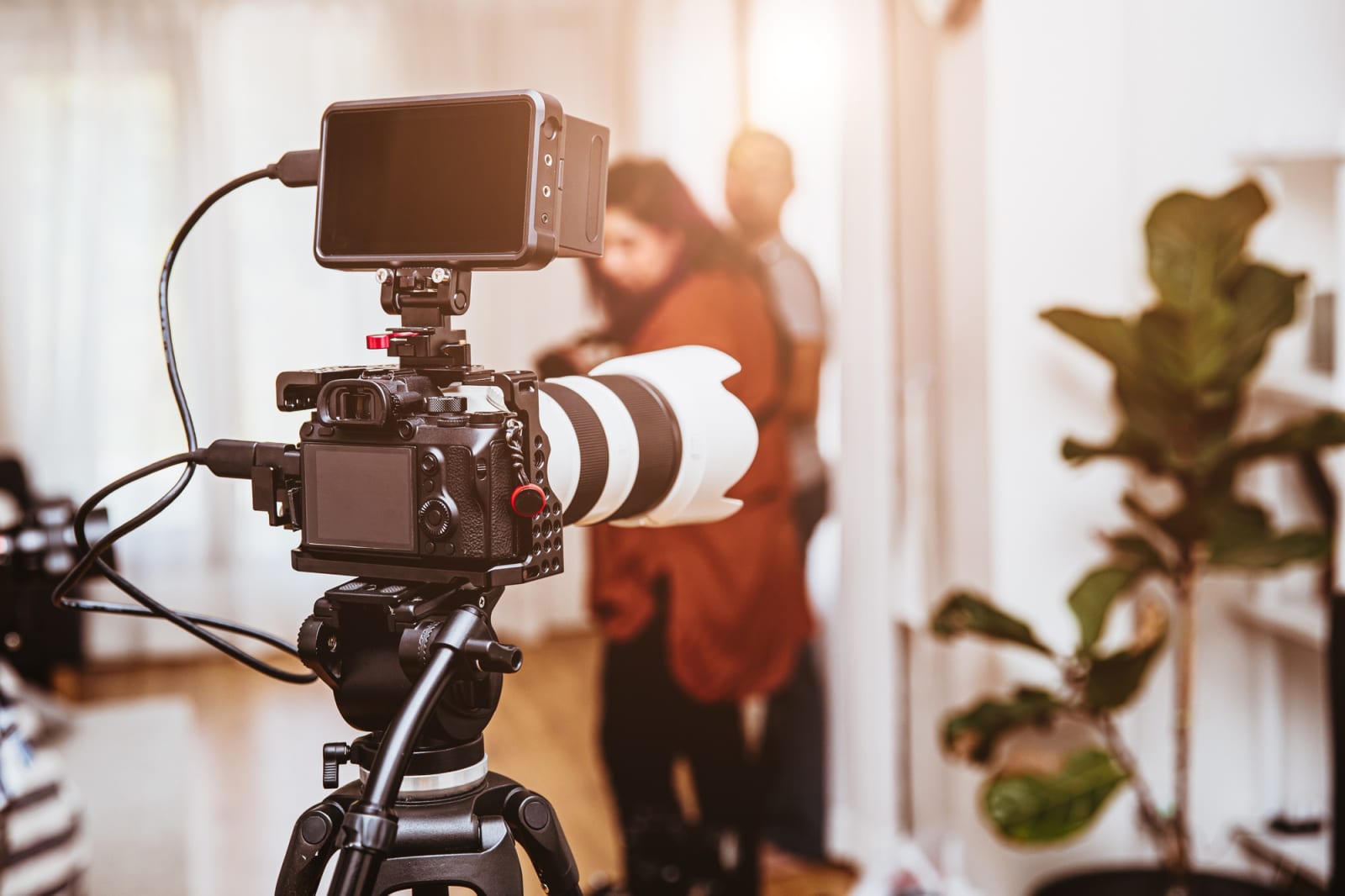
AI and chatbots for videography businesses are no longer a tech experiment reserved for big studios. If you run a small videography operation, whether you shoot weddings, corporate events, or real estate walkthroughs, these tools can handle the repetitive work that eats your schedule. Most videographers lose 8-10 hours a week on follow-up emails, quote requests, and basic client questions. A well-configured chatbot can recover most of that time.

What AI and Chatbots Actually Do for a Videography Business
A chatbot is software that responds to customer messages automatically, using rules or AI to understand what someone is asking. For a videography business, that means answering questions about packages, availability, turnaround time, and pricing without you picking up the phone at 11 p.m.
AI tools go further. They can draft your client emails, generate social media captions from a shoot description, create first-cut video scripts, and even analyze which of your past projects generated the most inquiries. Think of the chatbot as your front-desk person and the AI tools as your production assistant.
Where Videographers Lose the Most Time
Before choosing any tool, map the friction points in your workflow. For most solo or two-person videography shops, the problem shows up in three places: first contact, quote delivery, and post-shoot follow-up.
A potential client finds your Instagram page at 9 p.m. on a Tuesday. They message you asking about pricing for a product video. If you don't reply within an hour, research from Drift published in 2022 found that response delays longer than five minutes drop lead conversion by 80 percent. You were editing. You missed it. A chatbot does not miss it.
Videography businesses that deploy a website chatbot report an average of 30 percent more qualified leads captured per month, according to a 2024 survey by Tidio.
Setting Up a Chatbot for Your Videography Website
You do not need a developer. Platforms like Tidio, ManyChat, and Intercom offer drag-and-drop builders with free tiers that work for small businesses. Start with the three questions every new prospect asks: What do you charge? What does the process look like? How long until I receive my video?
Build a Simple Decision Tree First
Write down every question you answered last month via text, email, or DM. That list becomes your chatbot's script. Add a path for each question that ends with either a clear answer or a prompt to book a discovery call. Keep it short. If a visitor has to click more than four times to get an answer, they will leave.
Connect the chatbot to your calendar tool. When someone asks about availability, the bot can show open slots and let the client book directly. This alone removes one full email exchange from every new project.
AI Tools That Help with the Creative Side
Chatbots handle the front end. AI tools handle the production side. Here is where things get genuinely useful for videographers.
AI transcription tools like Otter.ai or Descript can turn a raw interview recording into a clean transcript in under two minutes. You then use that transcript to pull the best quotes, build your edit outline, and generate a caption for the finished video. What used to take 45 minutes now takes about eight.
Script Generation and Storyboarding
If your clients need scripted videos, AI writing tools can produce a first draft from a simple brief. Give it the product name, the target customer, and the key message. You get a usable script in seconds, then refine it. Your clients often cannot write a clear brief, but they can react to a draft. This speeds up approvals considerably.
AI image tools can generate rough storyboard panels for client presentations. You describe a scene, the tool generates a visual reference. Clients see what you mean before you ever pick up a camera.
The goal is not to replace your creative judgment. It is to spend less time on the parts of your job that do not require creativity, so you can spend more time on the parts that do. - Jake Moran, independent videographer, Austin TX
Automating Client Communication After the Shoot
The period between delivery and review is where client relationships often get shaky. Clients wonder where their video is. You are deep in the edit. An automated follow-up sequence handles this without you drafting a single message.
Set up a simple email automation, using a free tool like Mailchimp or the client portal inside HoneyBook, that sends a message 24 hours after a shoot confirming receipt of footage, then another at the 50 percent mark of your edit timeline, then a delivery notification. Three automated emails eliminate most of the "just checking in" messages you receive every week.
What AI and Chatbots Cannot Fix
This is the limit worth naming. No chatbot closes a $5,000 corporate video contract on its own. High-ticket clients still want to talk to a person before committing. AI can qualify the lead, answer early questions, and schedule the call, but you still need to be on that call.
AI video editing tools are advancing fast, but as of mid-2026, they still struggle with complex narrative edits that require emotional judgment. They can cut a highlight reel from tagged footage. They cannot decide that the groom's nervous laugh before his vows is the moment the whole wedding film needs to build toward. That decision still belongs to you.
Plan for a two-to-four week learning curve when setting up your first chatbot. The initial build takes two hours. Refining it based on real conversations takes another few weeks of small adjustments.
Pricing and Tools Worth Starting With in 2026
You do not need to spend much to start. Most useful tools offer a free plan that works for a solo videographer handling under 50 client conversations a month.
- Tidio: free tier supports live chat and basic chatbot flows on your website
- ManyChat: strong for Instagram and Facebook DM automation, free up to 1,000 contacts
- Descript: AI transcription and basic video editing, starts at $24 per month
- ChatGPT (OpenAI): drafts scripts, emails, and client proposals, $20 per month for the Pro plan
- HoneyBook: client management with built-in automation, $16 per month on the starter plan
Start with one tool, not five. Pick the biggest friction point in your business right now and solve that first. Most videographers benefit most from starting with a website chatbot because it captures leads they are currently missing overnight.
Frequently Asked Questions
Do I need to know how to code to set up a chatbot for my videography website?
No. Platforms like Tidio and ManyChat use visual builders. You click, type, and connect boxes. No code is required. Most videographers finish a working basic chatbot in under two hours.
Will clients find it annoying to talk to a chatbot instead of me?
Clients do not mind chatbots when the chatbot actually answers their question. What frustrates people is being handed off to a bot that gives a generic response and then says "please contact us." Build yours to give real answers and offer a human follow-up option when the question is complex.
Can AI edit my video footage automatically?
AI tools can handle rough cuts from tagged footage, sync audio to beats, and generate highlight reels from large libraries. They are genuinely useful for event recap videos. For narrative or emotional storytelling, human editing is still the standard.
How does AI help with pricing conversations?
A chatbot can present your packages and starting prices, then qualify the client by asking about their project scope. By the time you get on a call, you know whether the client has a realistic budget. This reduces the time you spend on calls that were never going to convert.
How long does it take to see results after setting up these tools?
Most videographers notice a measurable difference in inquiry response time within the first week. Lead capture improvements typically show up within 30 days, once the chatbot has handled enough real conversations to be dialed in.
Is my client data safe inside these AI tools?
Reputable platforms like those listed above comply with standard data privacy requirements. Read the privacy policy before connecting any tool that handles client names, email addresses, or payment information. Use two-factor authentication on every account.
Your Next Step with AI and Chatbots for Videography
Pick one problem, one tool, and one week. If you are losing leads overnight because no one answers your website chat, set up a free Tidio account this week. If you are spending too long on transcription, try Descript on your next project. AI and chatbots for videography work best when you treat them as a specific fix for a specific problem, not as a general upgrade you implement all at once. Start small, measure the time you save, and build from there.
Recommended reading
Reading on this topic, from our curated library.
- Google Search Central · Blog : Google's official search & AI announcements.
- Anthropic : AI research from the makers of Claude.
- Search Engine Land : Coverage of AI-powered search (SGE, AEO, GEO).